

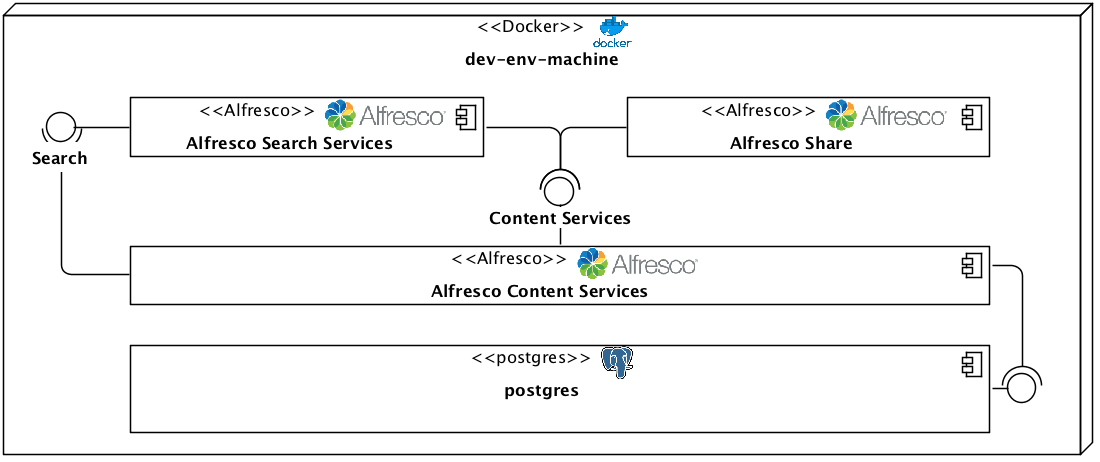
Get ACS 6 EA on your local environment and start exploring new features, functionalities, and services.
Install VirtualBox: https://www.virtualbox.org/wiki/Downloads
Install Docker : https://www.docker.com/get-docker
Clone the ACS git project: https://github.com/Alfresco/acs-community-deployment.git, or just create a docker-compose.yml file with the following contents
version: "3"

services:
    alfresco:
        image: alfresco/alfresco-content-repository-community:6.0.5-ea
        environment:
            JAVA_OPTS : "
                -Ddb.driver=org.postgresql.Driver
                -Ddb.username=alfresco
                -Ddb.password=alfresco
                -Ddb.url=jdbc:postgresql://postgres:5432/alfresco
                -Dsolr.host=solr6
                -Dsolr.port=8983
                -Dsolr.secureComms=none
                -Dsolr.base.url=/solr
                -Dindex.subsystem.name=solr6
                -Ddeployment.method=DOCKER_COMPOSE
                "
        ports:
            - 8082:8080 #Browser port

    share:
        image: alfresco/alfresco-share:6.0.a
        environment:
            - REPO_HOST=alfresco
            - REPO_PORT=8080
        ports:
            - 8080:8080

    postgres:
        image: postgres:10.1
        environment:
            - POSTGRES_PASSWORD=alfresco
            - POSTGRES_USER=alfresco
            - POSTGRES_DB=alfresco
        command: postgres -c max_connections=300 -c log_min_messages=LOG
        ports:
            - 5432:5432

    solr6:
        image: alfresco/alfresco-search-services:1.1.1
        environment:
            #Solr needs to know how to register itself with Alfresco
            - SOLR_ALFRESCO_HOST=alfresco
            - SOLR_ALFRESCO_PORT=8080
            #Alfresco needs to know how to call solr
            - SOLR_SOLR_HOST=solr6
            - SOLR_SOLR_PORT=8983
            #Create the default alfresco and archive cores
            - SOLR_CREATE_ALFRESCO_DEFAULTS=alfresco,archive
        ports:
            - 8083:8983 #Browser port
Initialize a Docker Machine to run your stack.
docker-machine create --driver virtualbox --virtualbox-cpu-count "4" --virtualbox-memory 4096 dev-env-machine
Optionally, for Linux/Macs, create a shortcut incase you want to work with multiple machines, environment.
echo "alias docker-dev='eval \$(docker-machine env dev-env-machine); docker-machine env dev-env-machine'" >> ~/.bashrc
. ~/.bashrc
docker-dev
With this shortcut, you can switch docker environment machine from the command prompt, by typing docker-dev. The docker-machine env dev-env-machine will give you info on your machine.
Capture the IP Address of the DOCKER_HOST variable in this command; we’ll need it for accessing ACS.
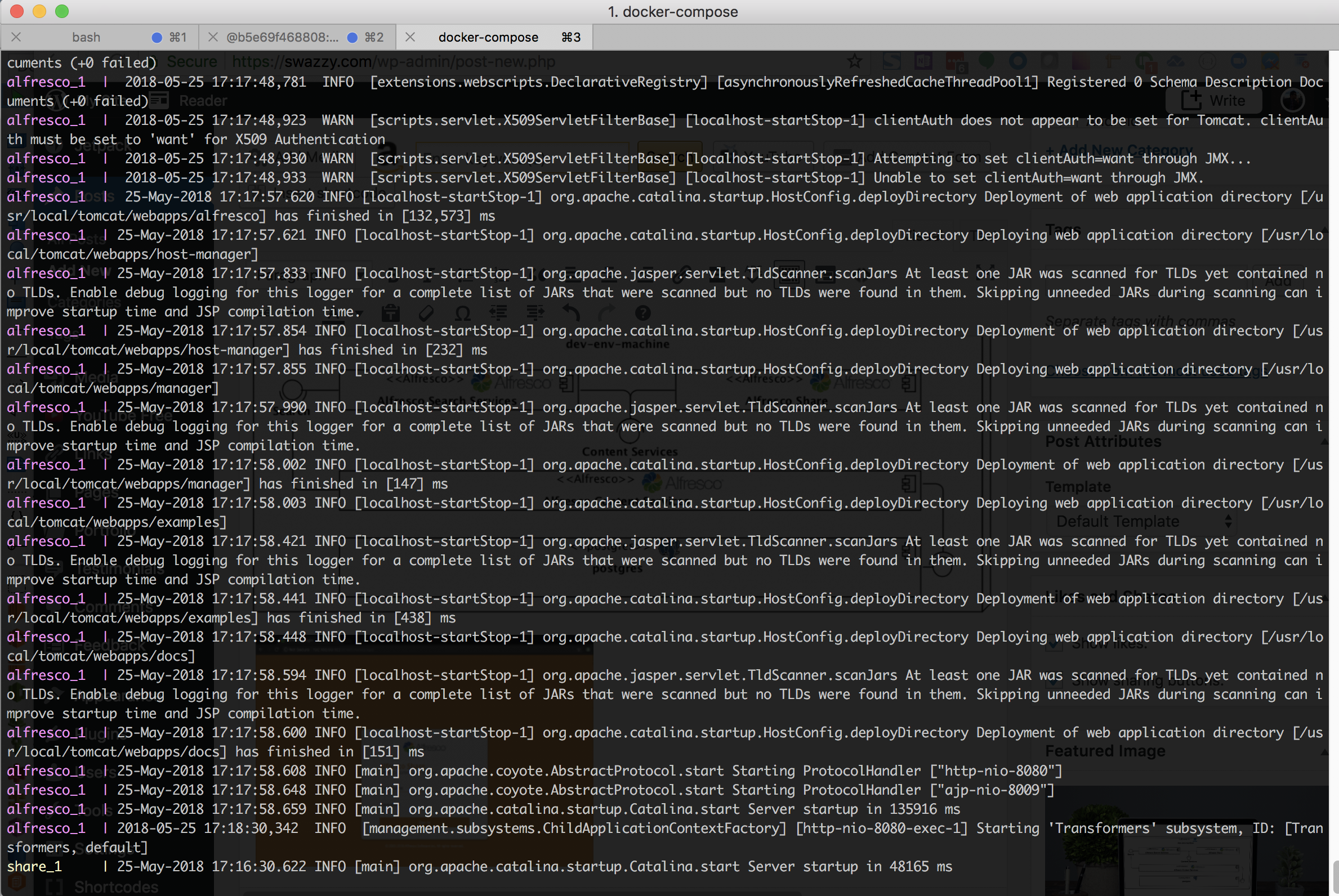
Now in the same directory as your docker-compose.yml, run the command to start the stack
docker-compose up
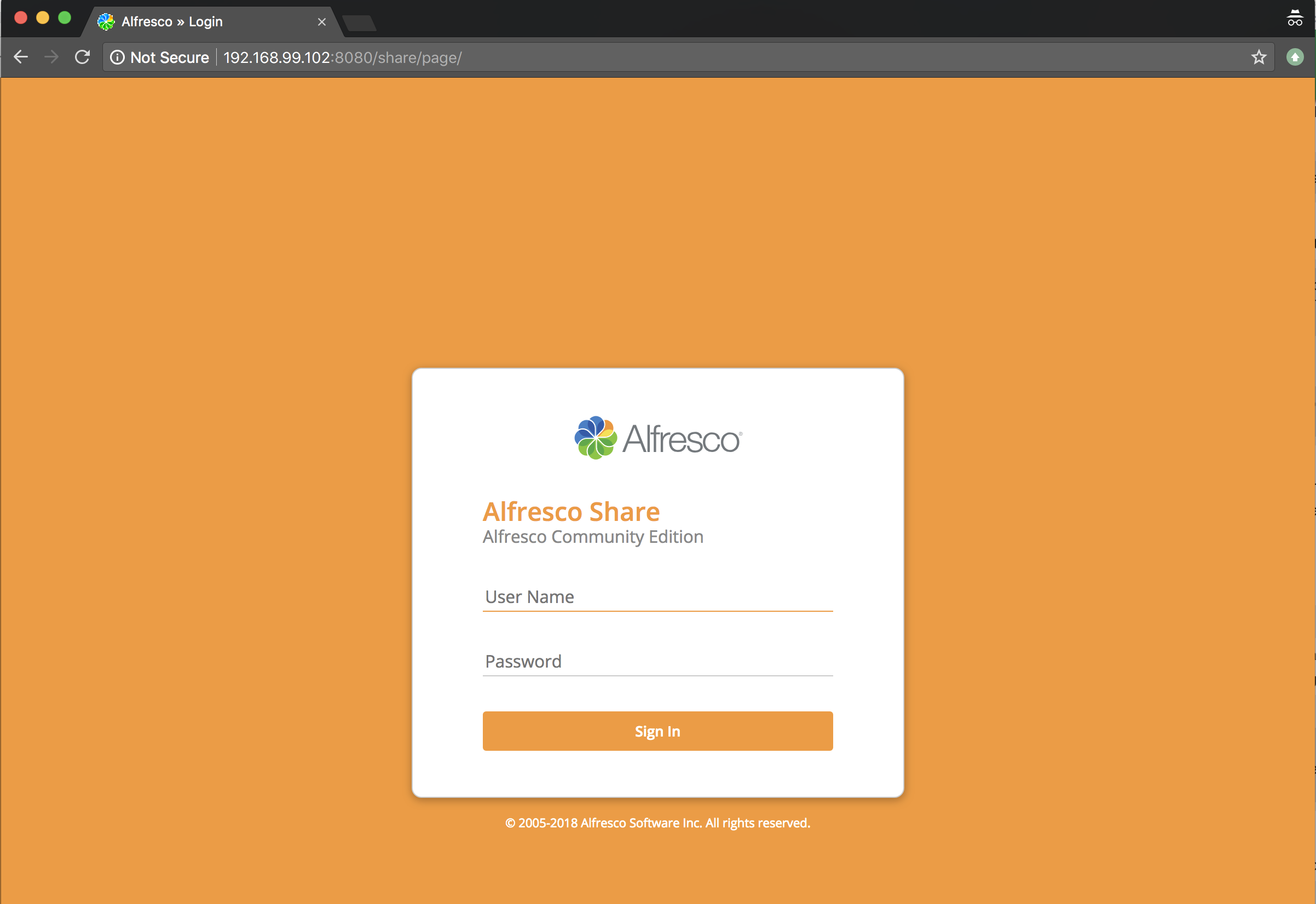
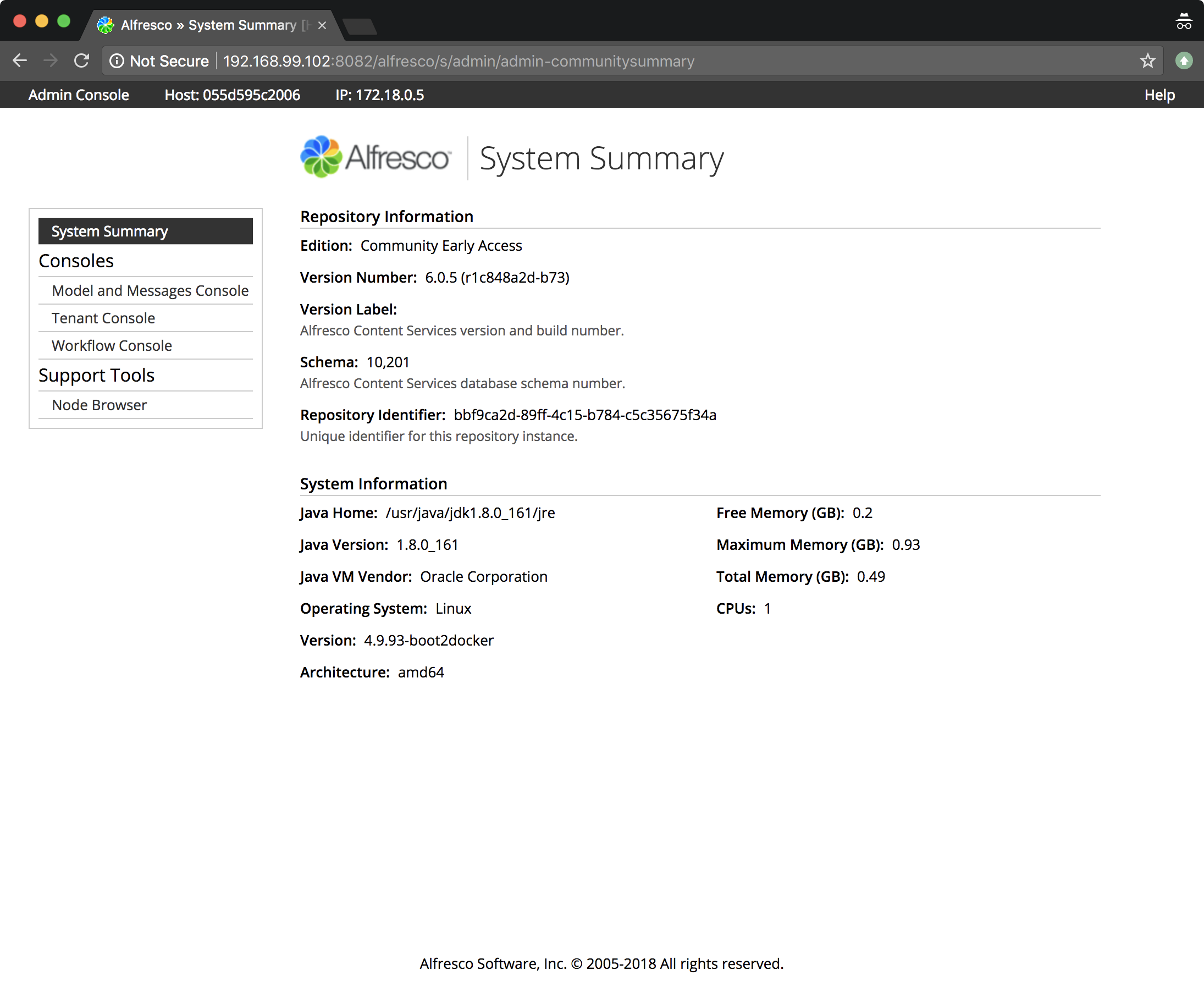
You can now Access ACS using the IP address for the Docker Host.
Alfresco Repository: http://DOCKER_HOST_IP:8082/alfresco
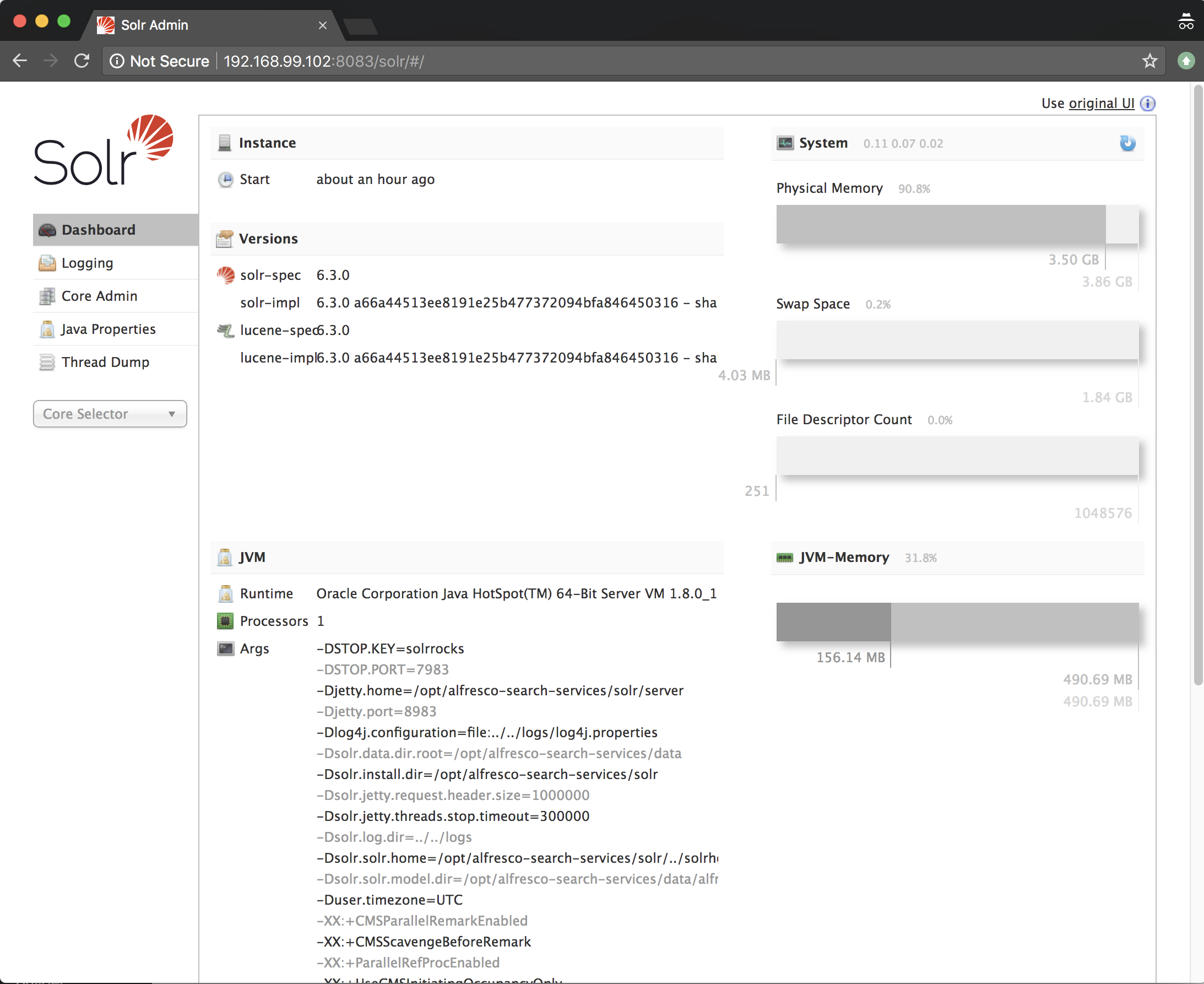
Alfresco Search Services: http://DOCKER_HOST_IP:8083/solr
Alfresco Share: http://DOCKER_HOST_IP:8080/share
Note that the stack will run in the foreground, with all logging sent to stdout. This follows the https://12factor.net/ Logs concerns for applications. In that, applications don’t concern themselves with output management.
If you didn’t capture the IP address, no worries. Open a new terminal window and run docker-dev, and it should be printed.
Log in and inspect the installation
# log into repository container
docker run -it alfresco/alfresco-content-repository-community:6.0.5-ea bash
# log into share container
docker run -it alfresco/alfresco-share:6.0.a bash
# log into postgres container
docker run -it postgres:10.1 bash
# log into search container
docker run -it alfresco/alfresco-search-services:1.1.1 bash
##
## or log into running instances
# First list the container ids
docker ps
# Then get a bash shell for the running container you wish to inspect
docker exec -it CONTAINER_ID /bin/bash

#### EXAMPLE
alex@mbp:~/workspaces/containers/acs-community-deployment/docker-compose$ docker ps
CONTAINER ID IMAGE COMMAND CREATED STATUS PORTS NAMES
055d595c2006 alfresco/alfresco-content-repository-community:6.0.5-ea "catalina.sh run" 3 hours ago Up 3 hours 0.0.0.0:8082->8080/tcp dockercompose_alfresco_1
1ef0957b1ded alfresco/alfresco-share:6.0.a "/usr/local/tomcat/s…" 3 hours ago Up 3 hours 0.0.0.0:8080->8080/tcp dockercompose_share_1
a1c49ab0d9a0 alfresco/alfresco-search-services:1.1.1 "/opt/alfresco-searc…" 3 hours ago Up 3 hours 0.0.0.0:8083->8983/tcp dockercompose_solr6_1
179ca4c51734 postgres:10.1 "docker-entrypoint.s…" 3 hours ago Up 3 hours 0.0.0.0:5432->5432/tcp dockercompose_postgres_1
alex@mbp:~/workspaces/containers/acs-community-deployment/docker-compose$ docker exec -it 055d595c2006 /bin/bash
 Swazzy